07Marketing that matches your brand
From last season's PDF to this month's campaign in an afternoon.
Upload your brand assets or last year's newsletter and OmniGuest extracts colours, layout and typography into a reusable template. Write the campaign in a chat — the assistant explains each change in plain words, in the language you wrote in — review it with a colleague, and send to lists guests actually chose to join.
- Approval
- Four eyes by default
- Opt-in
- Double opt-in
- Templates
- From PDF / image
See it in action
Watch it in the app
Narrated walkthroughs recorded in OmniGuest with our demo hotel, with English subtitles.
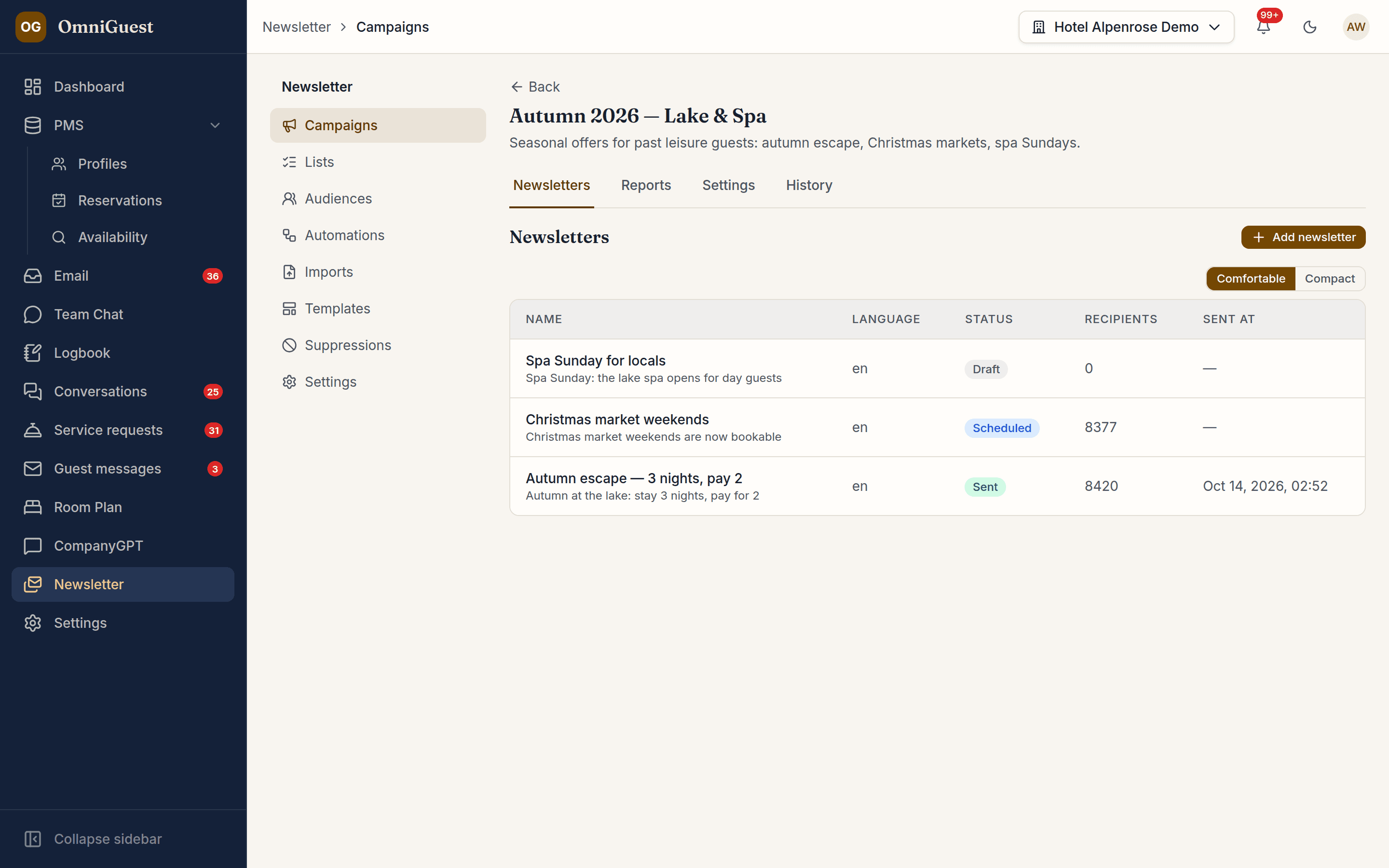
Template reproduction from PDF or image
Drop in a previous newsletter and the vision pipeline rebuilds it as a responsive template — header, sections, colours, button styles — ready to reuse.
Lists guests opt into
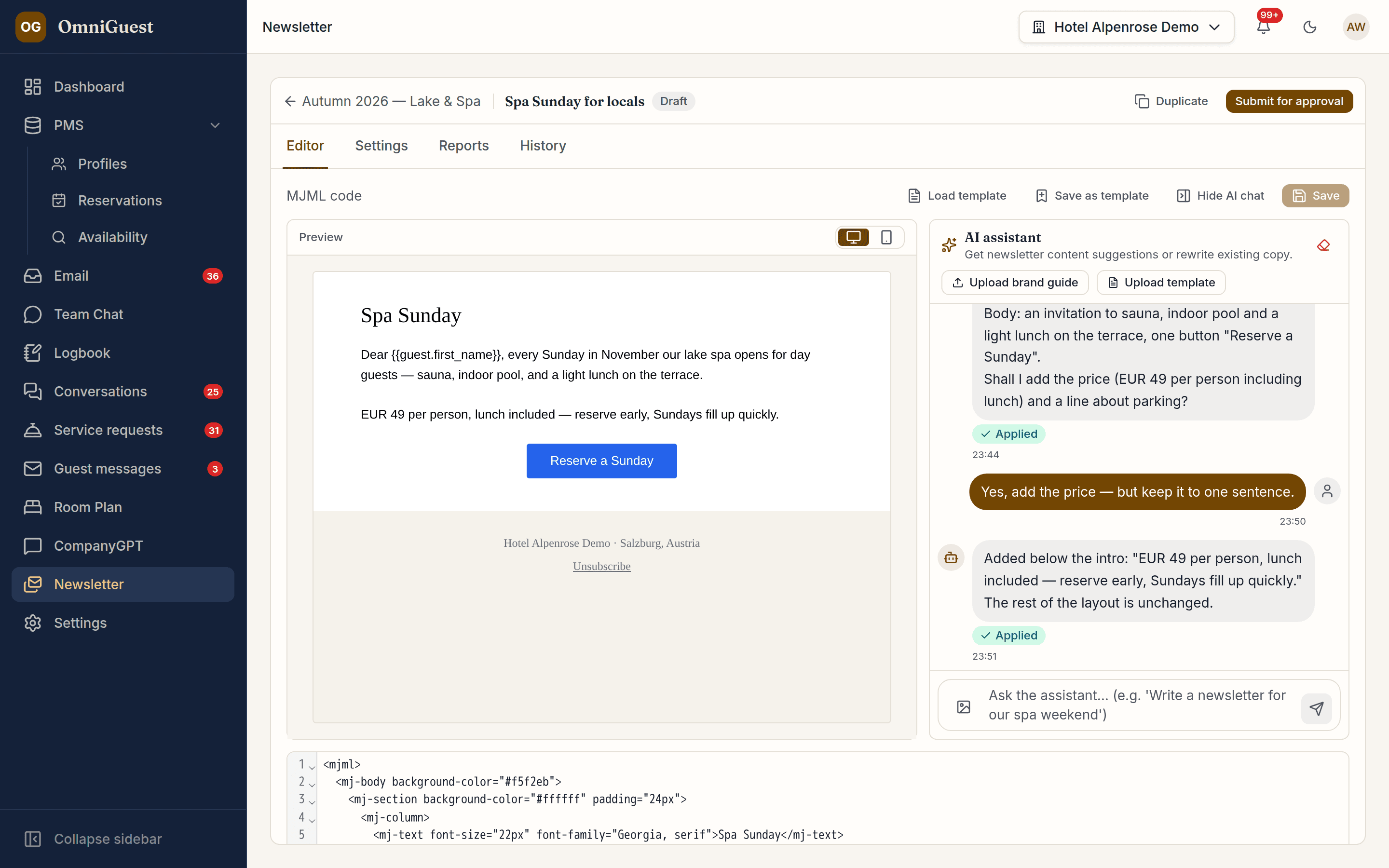
Hotels define their own lists — events, offers, spa, family — and guests confirm with double opt-in and choose the lists they want. Unsubscribe and preference pages are hosted for you.
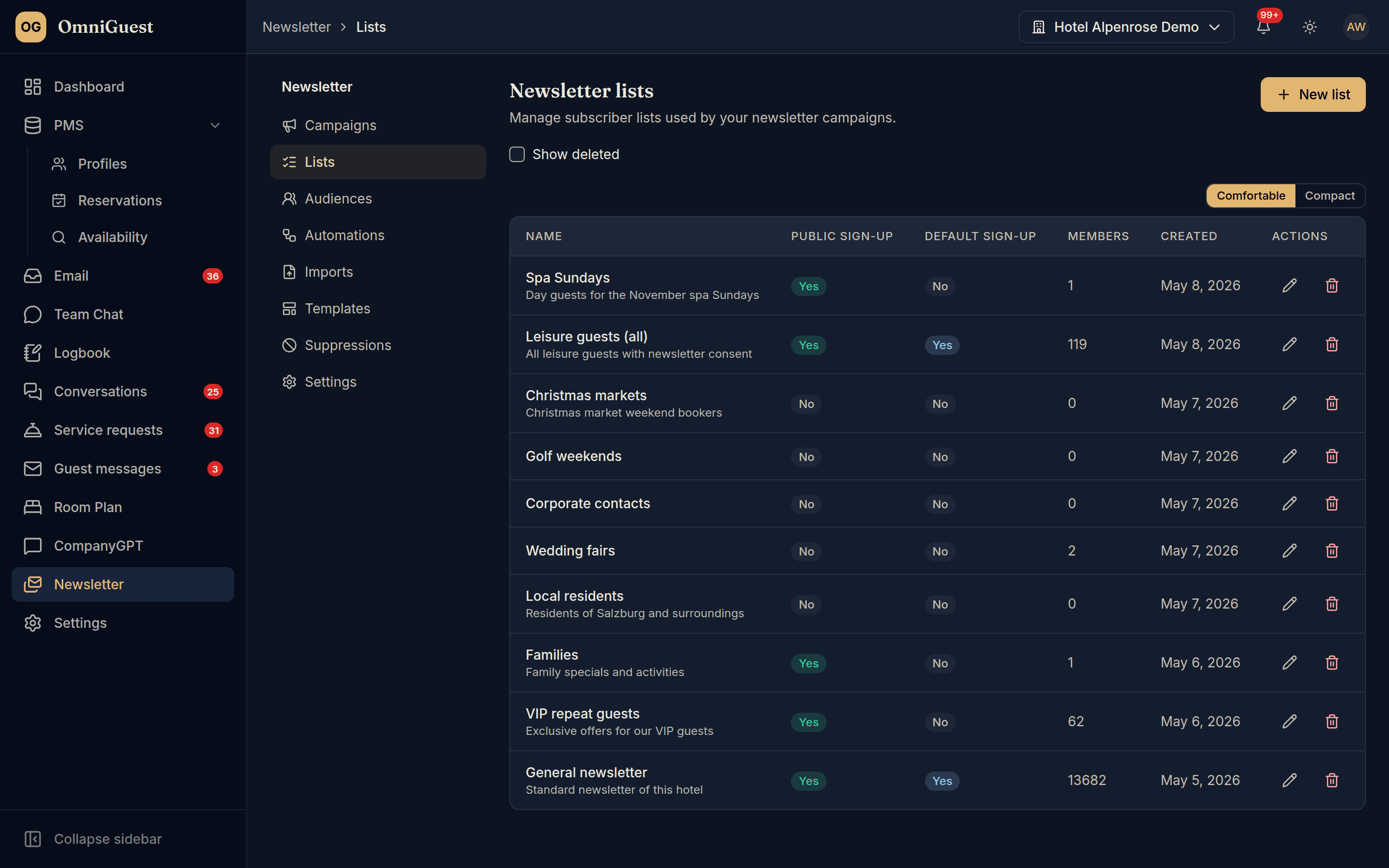
Reports that answer the only question: did it work?
Recipients, sent, unique opens and clicks, bounces and unsubscribes per send — refreshed from the tracking events, not estimated.
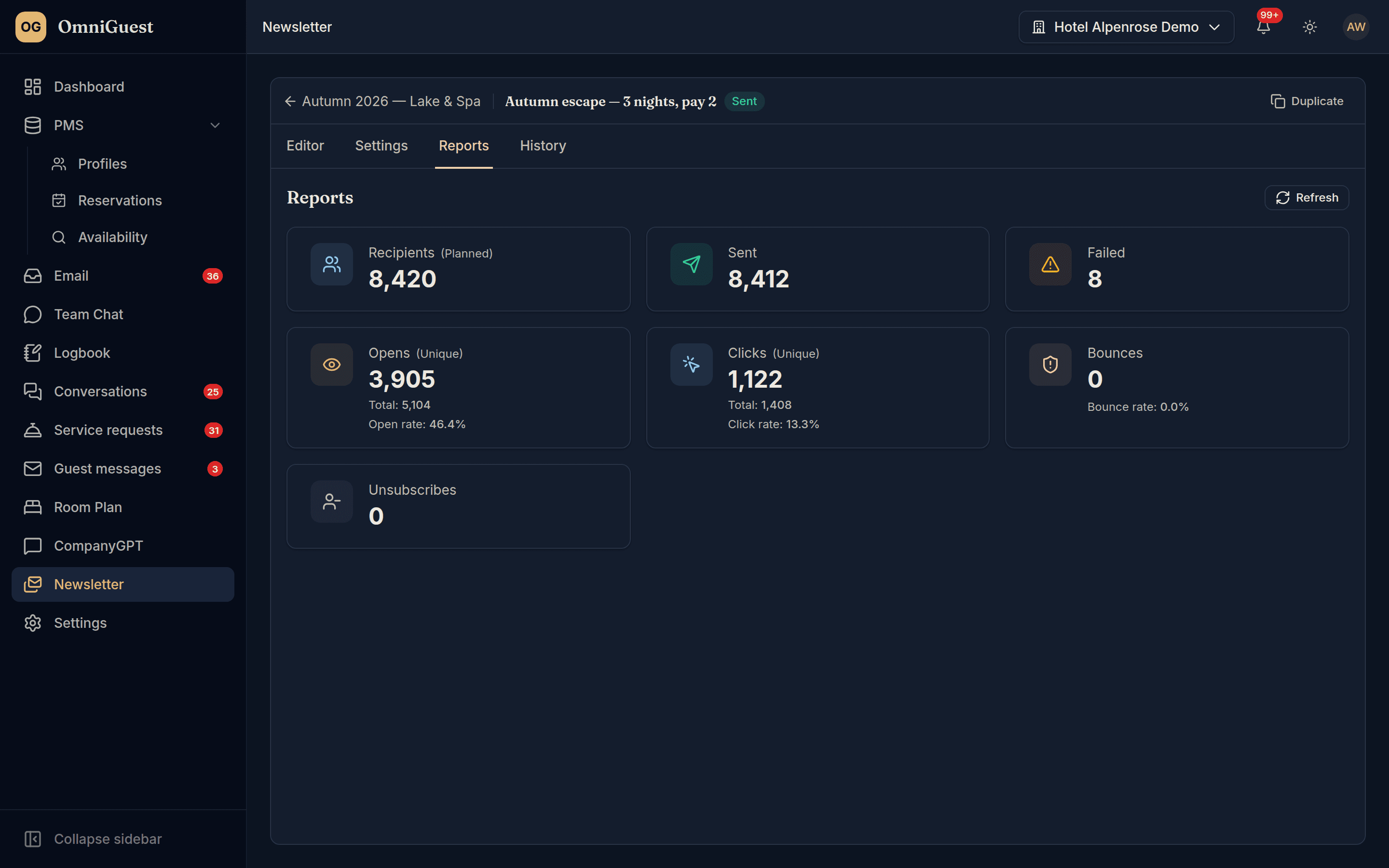
Four-eyes approval, frequency cap, throttled sending
By default nothing leaves without a second person's approval; a hotel admin can switch that off, and a release without review stays marked in the history. A frequency cap limits how many newsletters a guest gets from the hotel in 30 days. Sending is throttled and pauses on high bounce rates: a complaint stops marketing mail from that hotel, a hard bounce blocks the address everywhere, and hotel admins can review and lift a block.
Recurring series
Set up a weekly or monthly newsletter once, at a local send time. Each issue is created ahead of its date as its own newsletter and goes through approval like any other; whoever may approve is notified. An issue not approved in time does not go out.
Checked before it goes
Pre-send checks run before every send and stay visible on the newsletter, with a button to run them again. Links are tested too; a dead link shows up as a warning. If a scheduled send is stopped, its author, its approver and whoever scheduled it get a notification with the reason.
Audiences from the PMS
Build audiences from real stays: past guests, the last rate code, nationality, room type. Segments are refreshed every night.
Works with
- Amazon SES
- Oracle OPERA Cloud
- Hosted sign-up and preference pages
See your own hotel's stay, end to end.
Bring a real enquiry from your hotel to the demo. We connect a sandbox PMS, drop your e-mail in and show you the draft — then follow the guest through pre-arrival, chat, service requests and the logbook. Live, in 30 minutes.