08Profiles & reservations, PMS-native
Your PMS stays the source of truth. OmniGuest makes it readable.
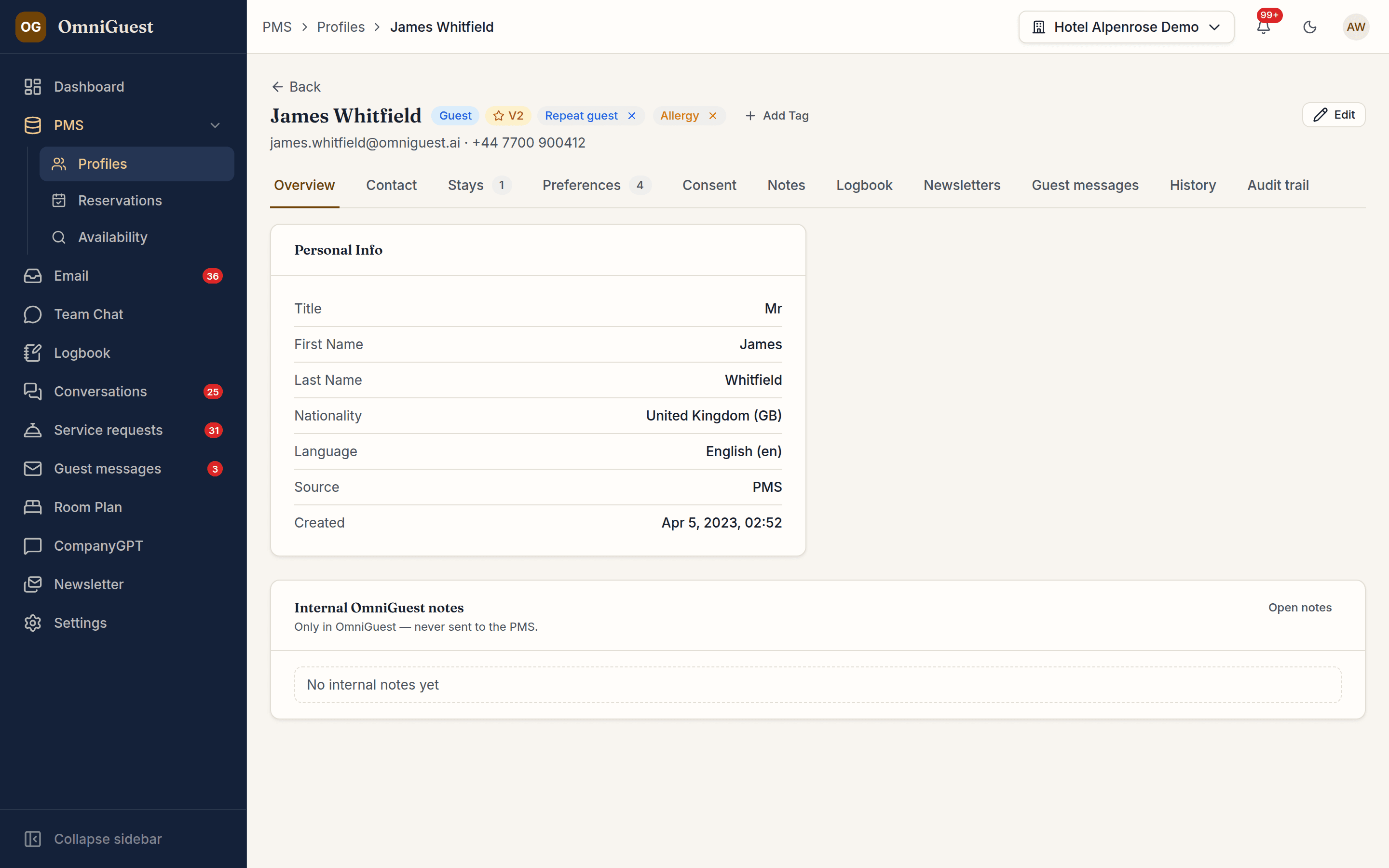
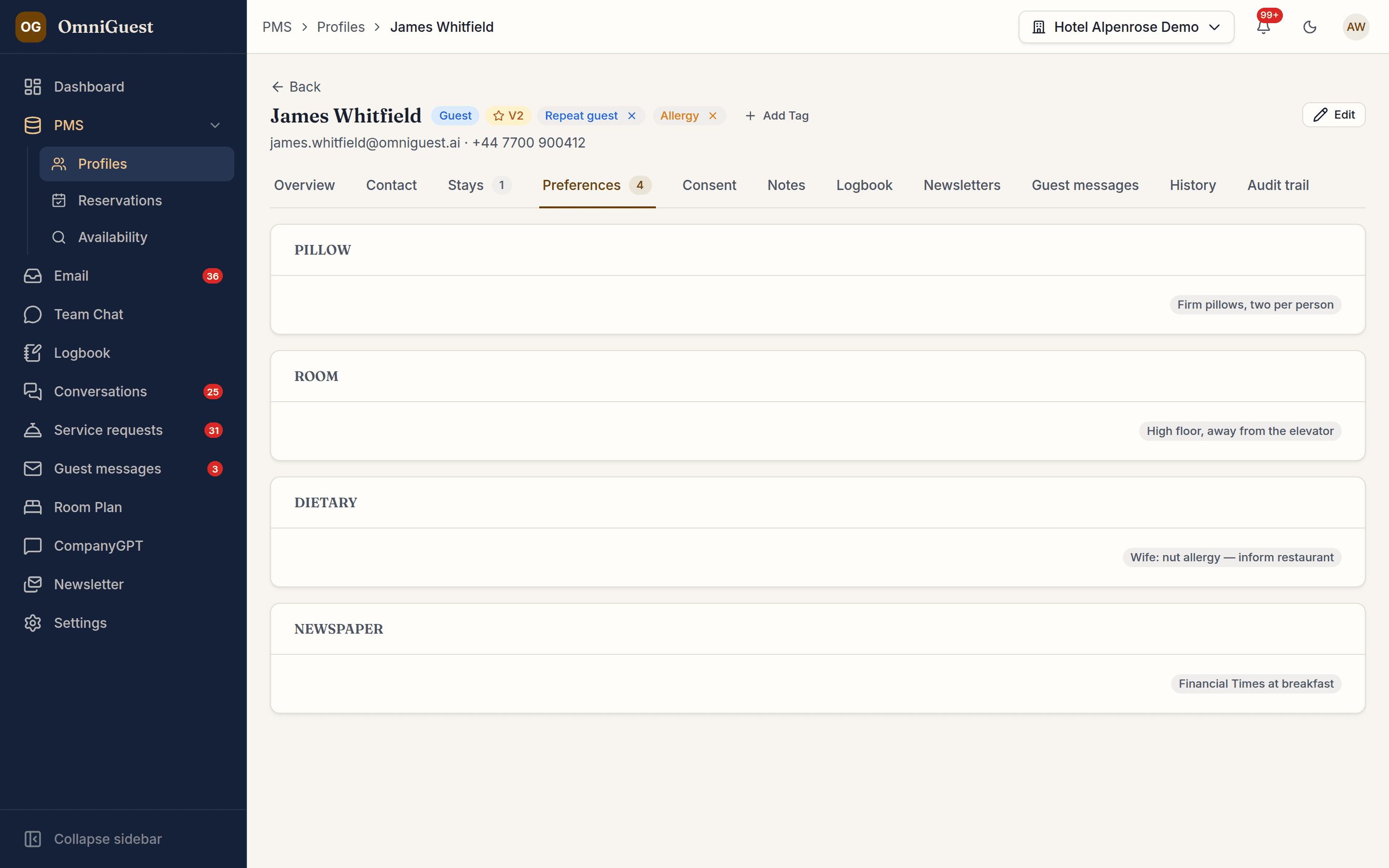
Reservations stream in from Oracle OPERA Cloud in real time, and changes made in OmniGuest go back to OPERA once you switch writeback on. Profiles, stays, preferences and communication history are one click away, and anything you add in OmniGuest — tags, segments, notes — survives every sync.
- OPERA Cloud
- Two-way, real time
- Conflicts
- PMS always wins
- Writeback
- OPERA Cloud, opt-in
See it in action
Watch it in the app
Narrated walkthroughs recorded in OmniGuest with our demo hotel, with English subtitles.
Two-way with Oracle OPERA Cloud
OHIP business events arrive within seconds of a change in OPERA, and edits made in OmniGuest are written back. The PMS always wins on conflicts.
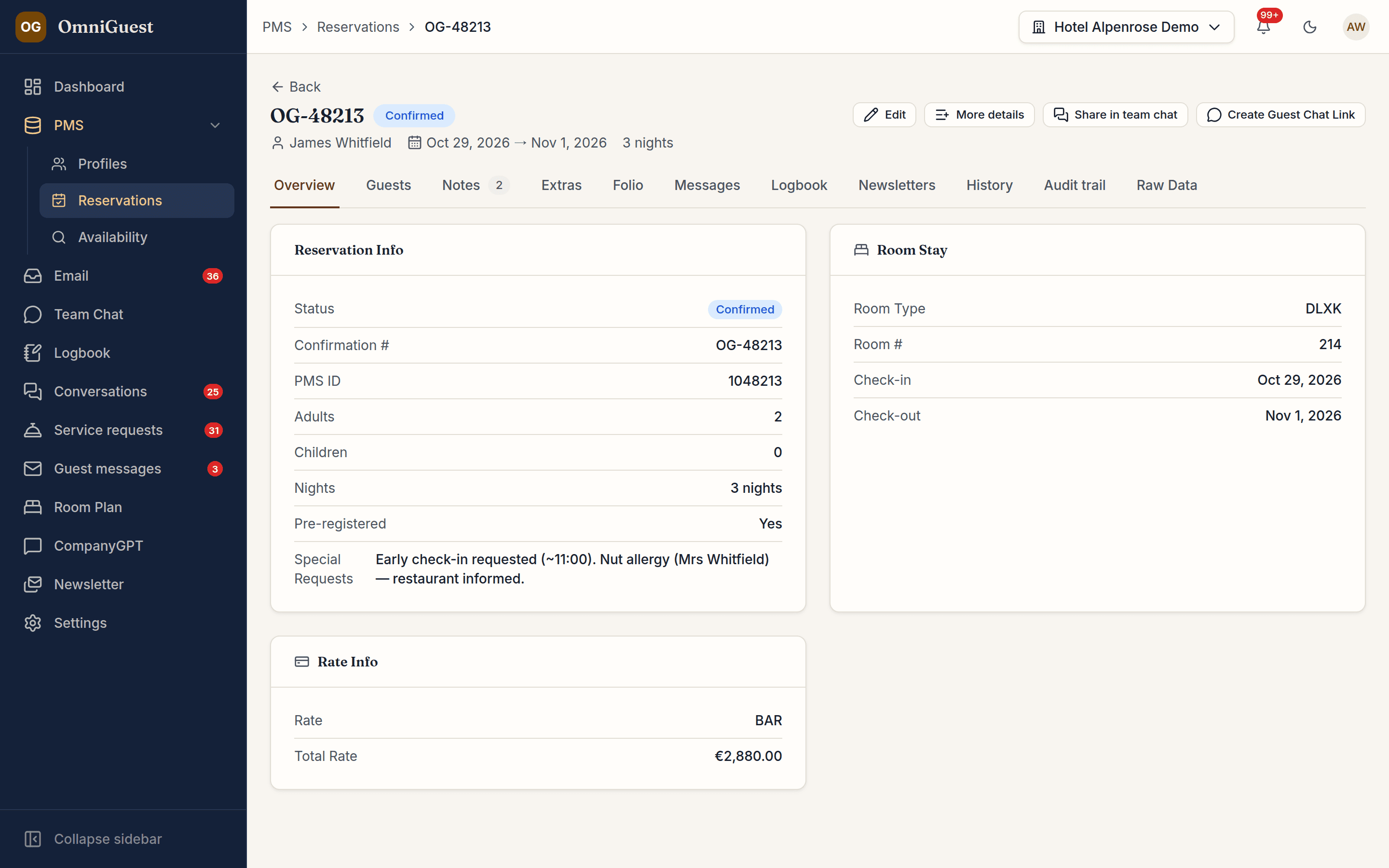
Preferences that follow the guest
Pillow, floor, newspaper, allergies — captured by staff, from the guest or from the PMS, and available to the AI assistant as context.
Availability and rates on demand
Query room availability and rates for any dates straight from the PMS, with rate codes and room types picked from your OPERA Cloud lists, refreshed every night — the same call the inbox uses to draft offers.
Edit in OmniGuest, saved in OPERA Cloud
Change stay dates, guests, room type, rate, codes and contact details, add extras, packages and notes, or cancel and reinstate a reservation with OPERA's cancellation policy in view. Every change is written to OPERA Cloud and read back to confirm it landed.
Writeback you switch on deliberately
Nothing is written to the PMS until a hotel turns writeback on. Each kind of change can be switched off on its own and is limited to the roles allowed to make it. Every change leaves a note in OPERA and an entry in the audit log, with a history tab on each reservation and profile.
Works with
- Oracle OPERA Cloud (OHIP)
See your own hotel's stay, end to end.
Bring a real enquiry from your hotel to the demo. We connect a sandbox PMS, drop your e-mail in and show you the draft — then follow the guest through pre-arrival, chat, service requests and the logbook. Live, in 30 minutes.